Intro
The main focus of the platform team is to handle the back-end of the ActNow application. Our main focus right now is to create a web-scraping bot that scrapes events from different event websites like Eventbrite.
Path
To find our code for the web-scraper, follow the path src/platform in the GitHub repository.
For now all our main work is in functions/index.js where you can find the code for the Eventbrite web-scraper.
Usage Example
Requirements:
- Node.js / npm
- Firebase cli
- Java
Steps to setup
- Clone the repository from Github
- Run
firebase loginand follow the popped up instructions to login - Go into the
functionsdirectory and runnpm cito install the necessary packages
Step to run the backend
Option 1: Only run the functions
- Go into the
functionsdirectory and runnpm run serveto start a local firebase emulator with only the cloud functions - Go into the cloud functions console and trigger any function you want to test
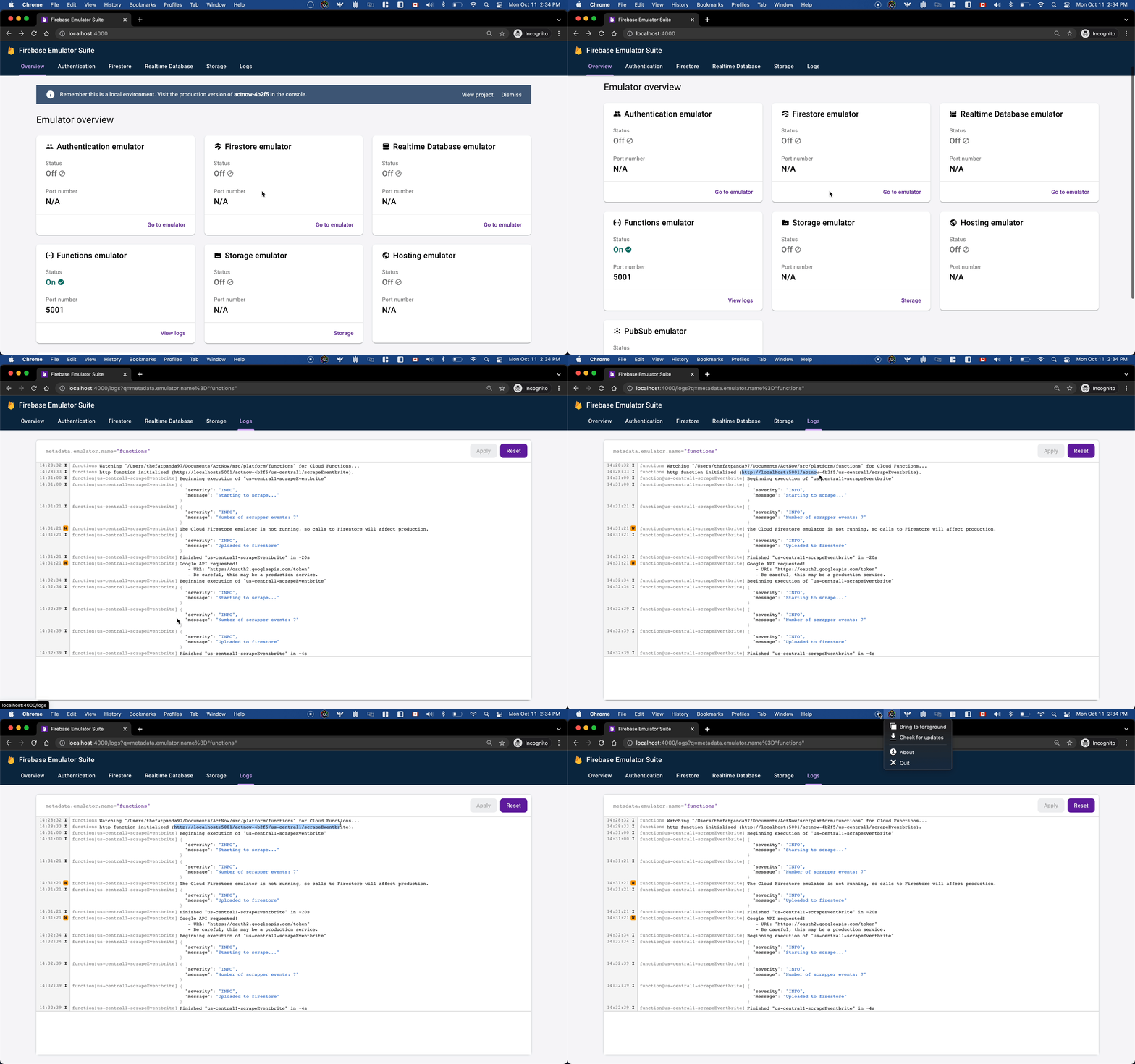
Note: Option 1 will only serve the cloud functions. So if you functions depends on other firebase tools, go to option 2.
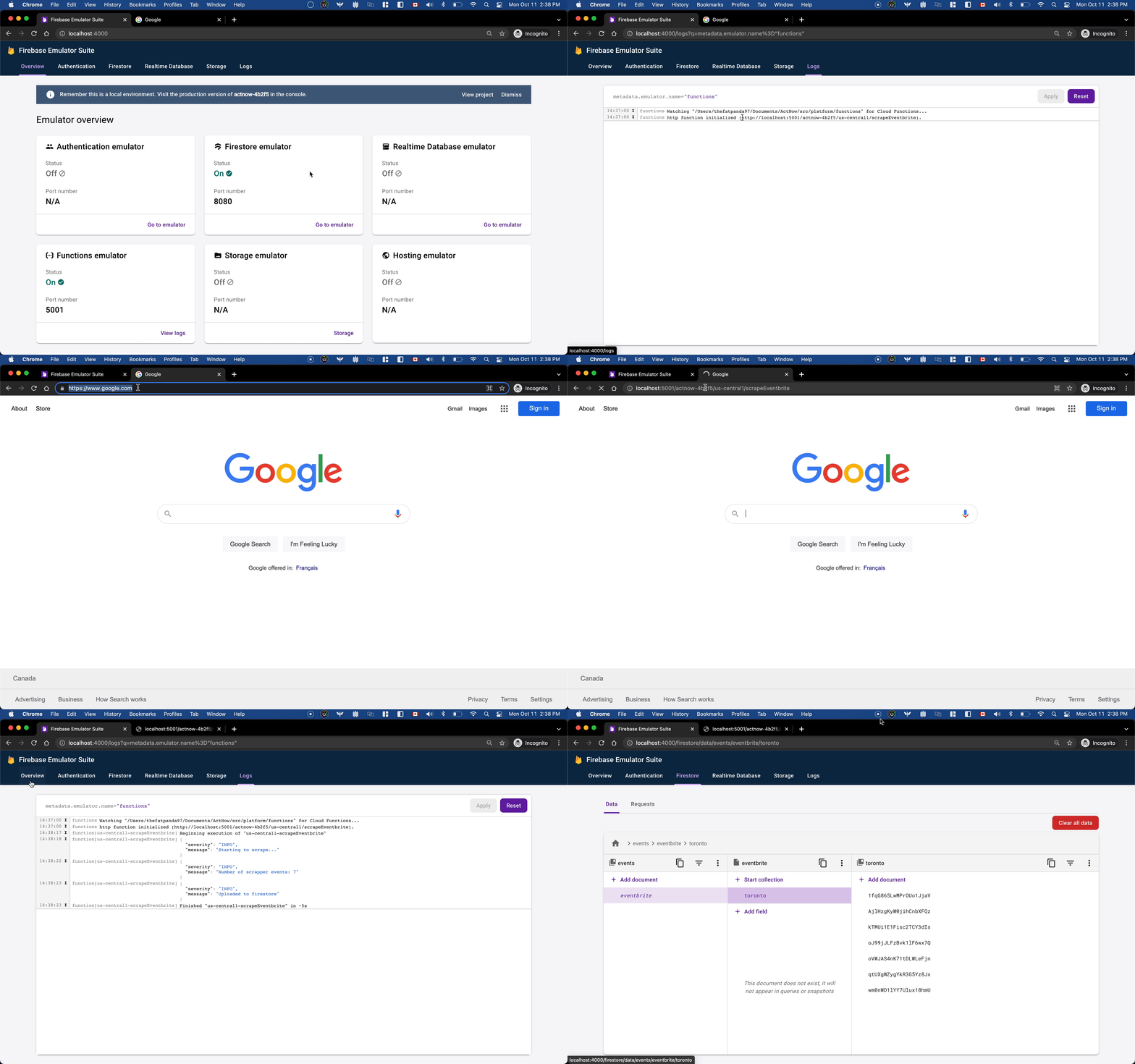
Option 2: Serve up all enabled firebase tools
- Go into
src/platformand runfirebase emulators:startto start a local firebase emulator with all the enabled firebase tools (currently we enabled cloud functions and firestore for local development) - Go into the cloud functions console and trigger any function you want to test that edits firestore
- Go into the firestore console to verify the changes were correct
Step to deploy cloud functions
Notes: Do not deploy unless you have tested and are very sure the changes you made are correct. This is because deployment is a paid service and have a very low daily free limit.
- Go into the
functionsdirectory and runnpm run deploy - Wait for the deployment to finish, then go into the firebase cloud functions console and verify the deployment was successful